Before any change
The Scope Lock
Before writing code: restate the task in one sentence, list the files you expect to touch, and name what you will NOT change. Wait for my go-ahead.
$ open the-prompt-library.md
Forty tested prompts for working with a coding agent. Scoping a task, reading an unfamiliar repository, planning before writing, reviewing a diff. Each one gives you the exact wording, what it's for, and when to reach for something else.
Price: $10 · one-time payment · instant access
Sound familiar?
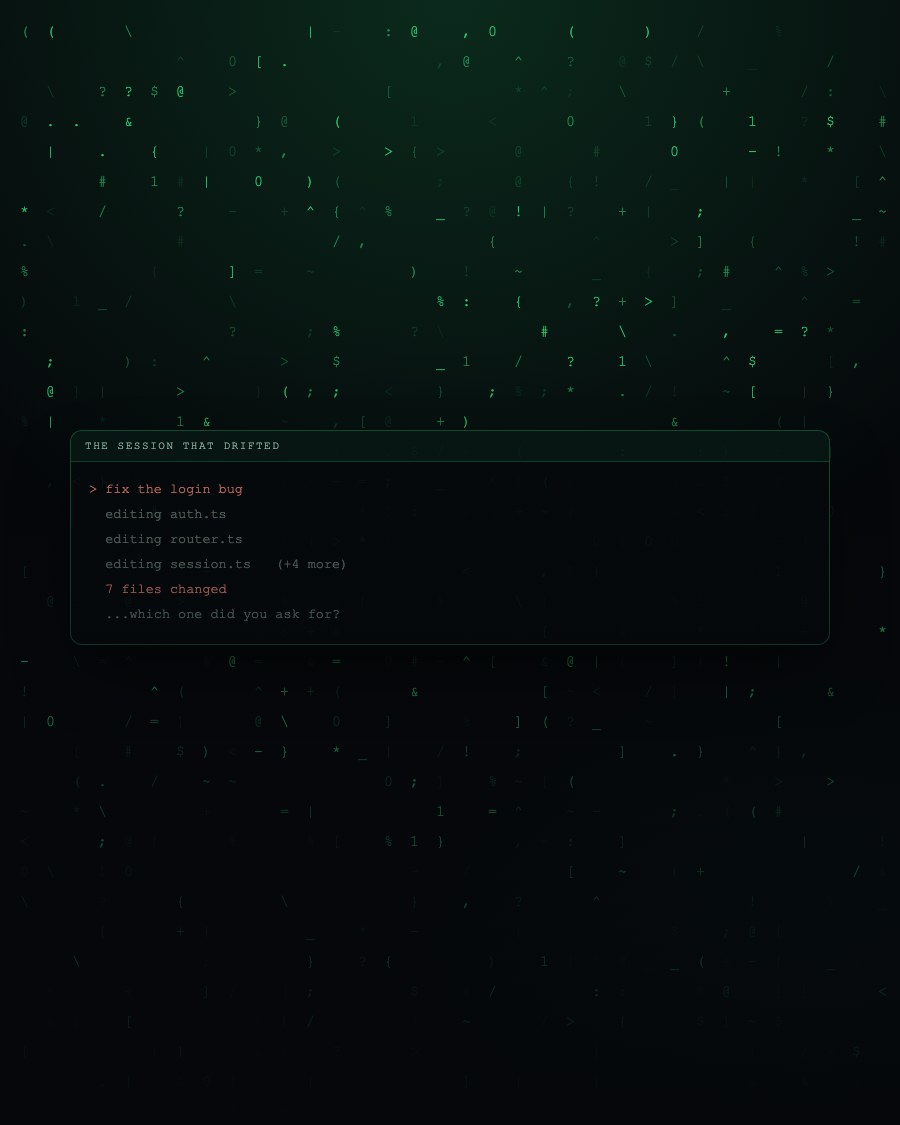
The agent is not the problem. It writes fine code when it knows the goal, the constraints and what it must not touch. Most of the frustration comes from prompts that carry the goal and leave the other three implicit, so it guesses. It guesses reasonably, and it guesses wrong.
The result is a session that burns twenty minutes rewriting the same instruction with slightly different adjectives, and a diff you no longer trust because you have lost track of what it was allowed to change.
Sample pages
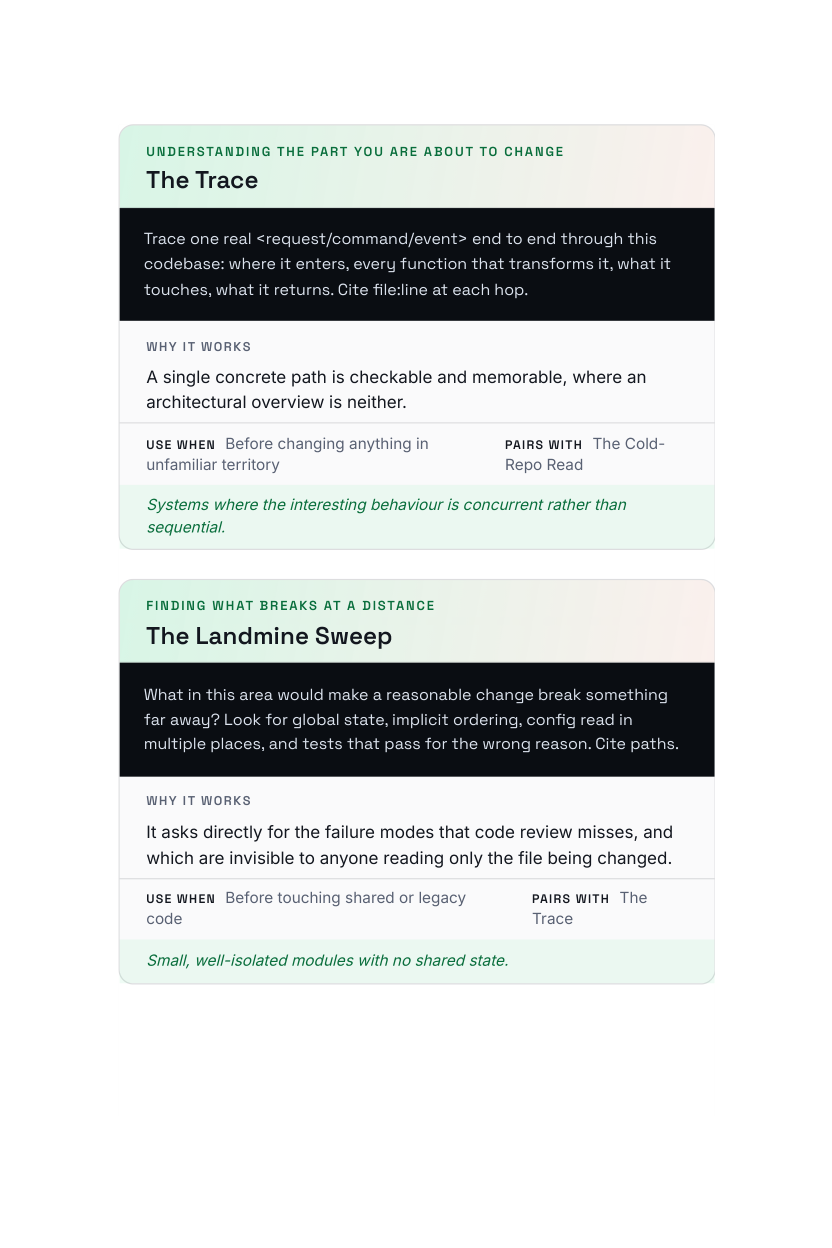
Every prompt is laid out the same way: what it's for, the exact wording to paste, what it pairs with, and when to reach for something else instead.
Before any change
Before writing code: restate the task in one sentence, list the files you expect to touch, and name what you will NOT change. Wait for my go-ahead.
An unfamiliar codebase
Map this repo before changing anything: entry points, where state lives, how data flows in, and the three files I'd need to understand first. Cite paths.
Reviewing generated code
Review this diff as a hostile reviewer. For each change: what breaks if input is empty, null, or huge? Name the single riskiest line and why.
40 in total inside the guide
Every prompt is dated, tested on a real repository, and carries a plain note on when not to use it.
What's inside
It replaces improvised instructions with wording that has been run on real repositories, and it tells you plainly when a prompt is the wrong tool.
No templates to fill in and no theory to translate into wording. Every prompt is written out in full, ready to copy.
Organised by what you are doing: scoping, exploring, planning, reviewing, recovering. Not by an abstract taxonomy of prompt types.
The 2026 Edition on the cover, a chapter on what shifts between model versions, and a plain note on when each prompt is the wrong choice.
This is for you if
This is not for you if
$10 · one-time · instant access
What you get
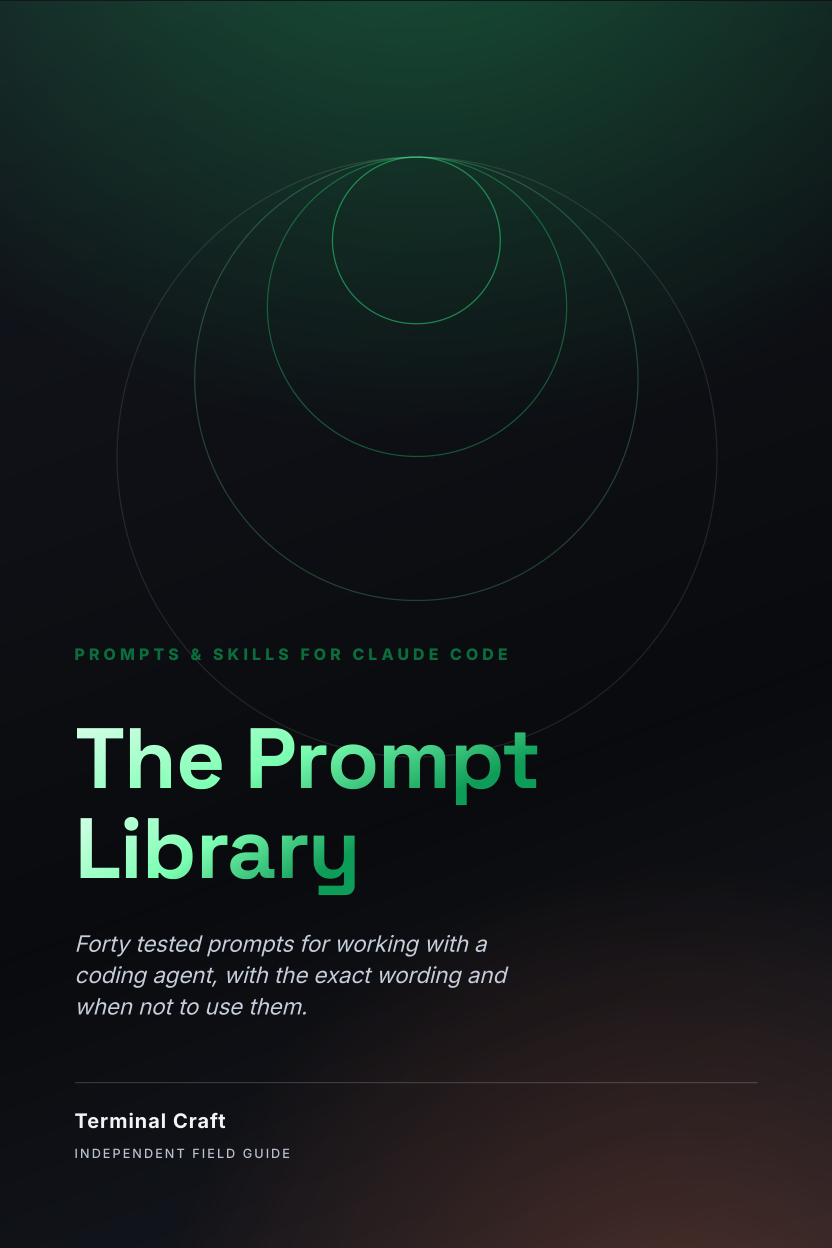
Forty tested prompts for working with a coding agent, with the exact wording and when not to use them.
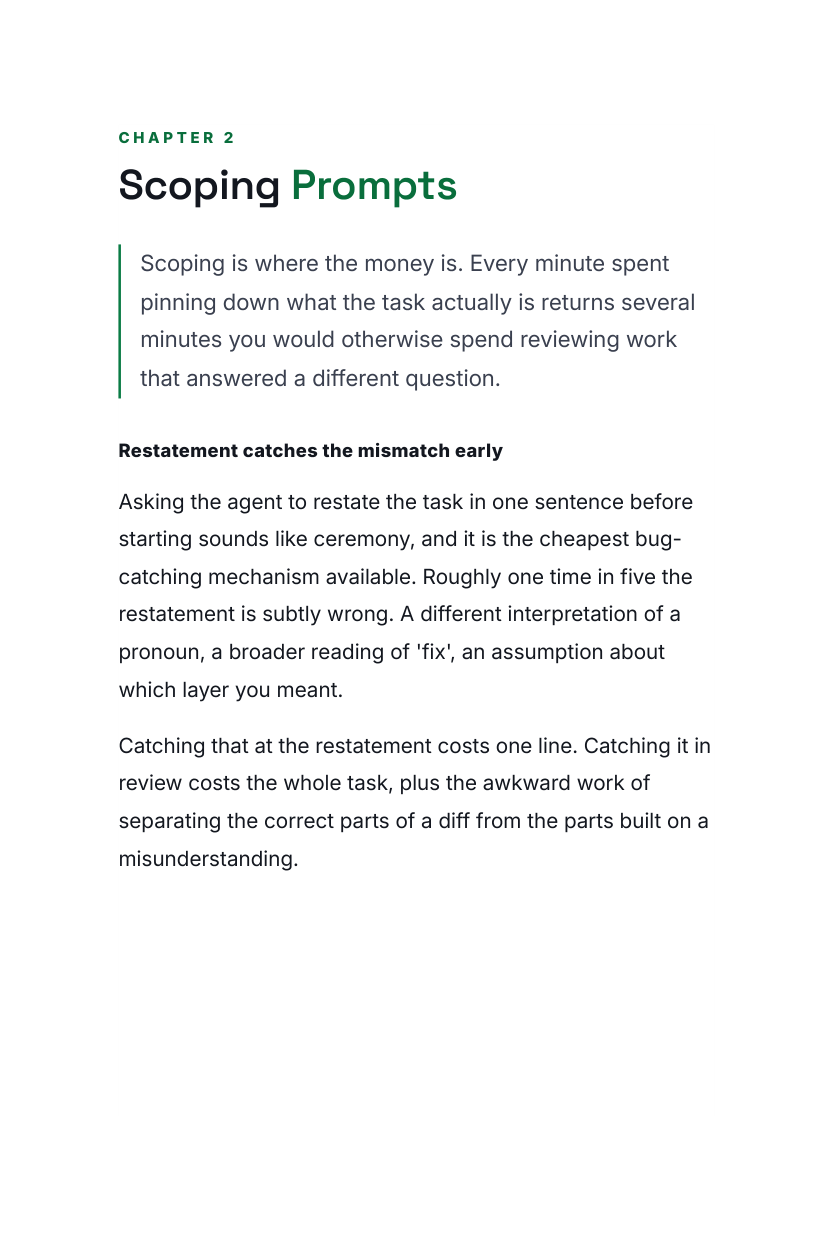
Pages shown are from the actual guide. Digital product (PDF) — no physical item and no software licence is included.
The Prompt Library is where the system starts. Forty prompts you can paste today, grouped by the job you're doing, plus the structure that makes any prompt land: give the agent the goal, the constraints, the files and the definition of done, in that order, every time.
Instant digital download. One-time payment of $10, billed securely by Digistore24. Educational material only. Results depend on your project, your model and how you apply it. Independent publication, not affiliated with or endorsed by any AI vendor.
It's a digital guide (PDF). Right after purchase you get an email with a secure link to download it instantly. Nothing is shipped.
No. Terminal Craft is an independent publisher with no affiliation to, endorsement from or sponsorship by Anthropic or any other AI vendor. Claude and Claude Code are trademarks of Anthropic PBC. This guide is our own field notes on using those tools well.
No. You need your own tools and your own account. This is written material: prompts, patterns and workflows you paste into whatever you already use.
Every guide is dated on the cover as the 2026 Edition, and each one includes a chapter on what tends to change between versions and how to adapt a prompt when it does. The patterns outlast the version numbers; the specific outputs will not, and we say so plainly rather than pretending otherwise.
You need to be comfortable running a coding agent on your own project. The prompts are written in plain English and explained, but they assume you already have a codebase you're working on.
You're protected by a 60-day money-back guarantee. If it doesn't help, email us within 60 days for a full refund. No questions asked.
Get instant access to all forty prompts and the structure behind them, and stop paying for the same clarification round three times.
Yes, I want prompts that land the first time — Only $10Your payment will be processed securely by Digistore24.