A session that is drifting
The Full Stop
Stop editing. List every file you have changed this session and the one-line reason for each. Change nothing until I reply.
$ open the-debug-and-recover-pack.md
Ten prompts for the moment it goes wrong. The agent edited the wrong file, invented an API that doesn't exist, looped on a failing test, or confidently broke something that worked this morning.
Price: $8.90 · one-time payment · instant access
Sound familiar?
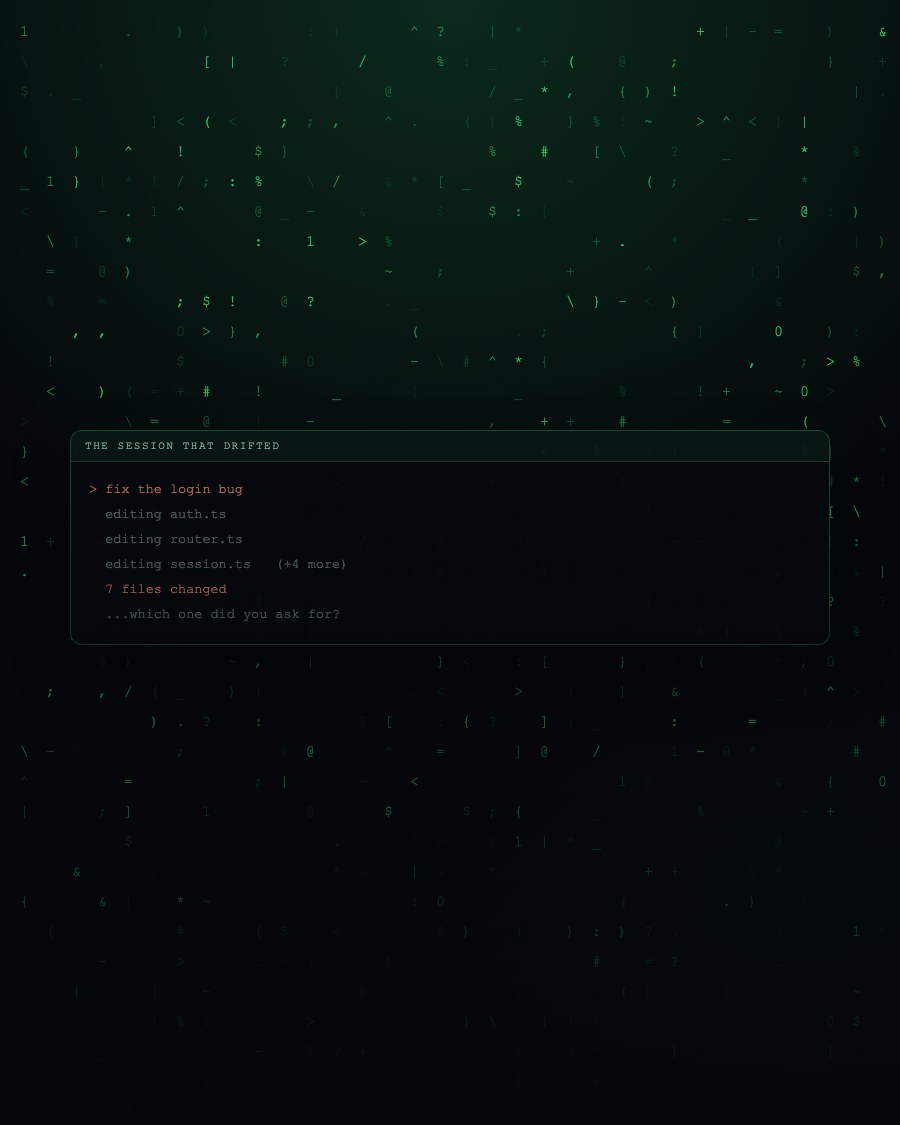
The pattern is always the same. Something small goes wrong, the obvious fix does not work, and the natural response is to ask for another attempt. Each attempt edits a little more. After twenty minutes the original problem is buried under four speculative changes nobody can account for.
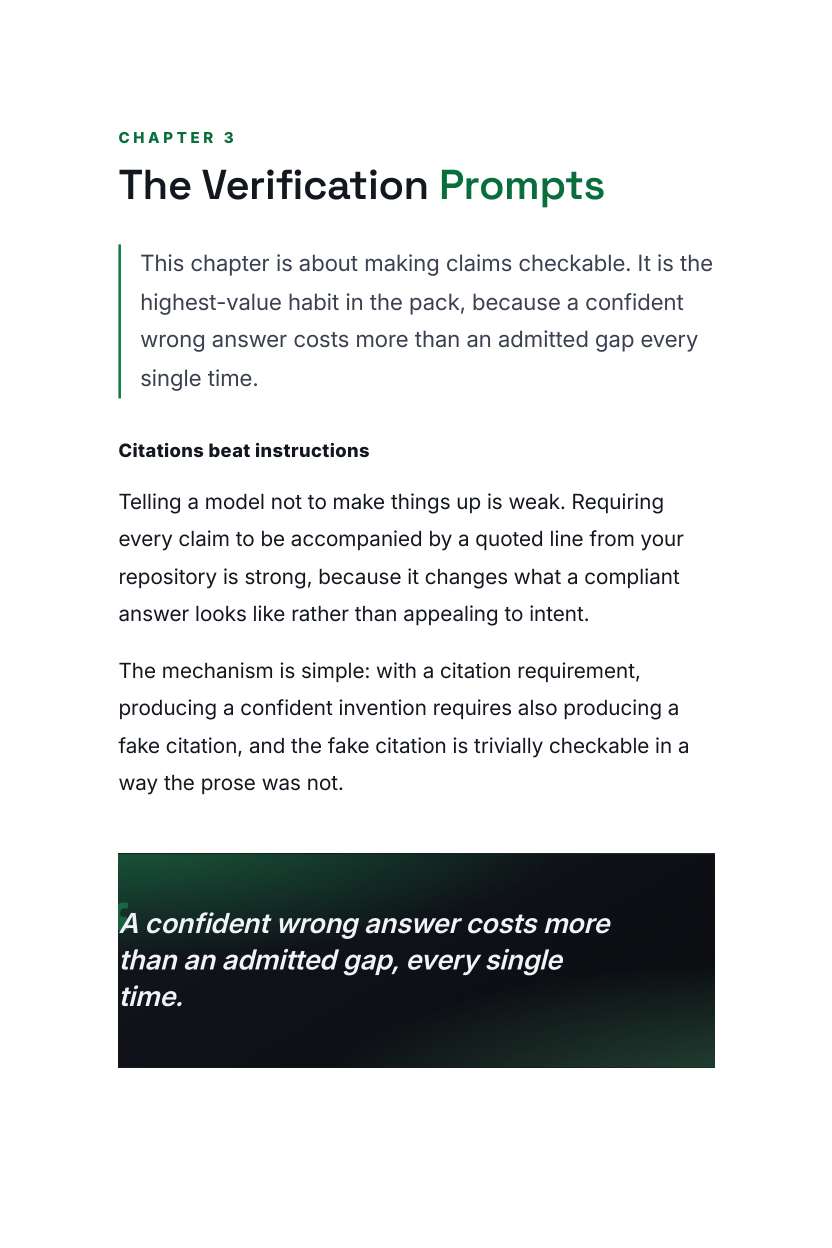
What breaks the pattern is not a cleverer instruction. It is stopping, taking an inventory of what has already changed, and refusing to accept any claim that has not been shown to exist in your repository.
Sample pages
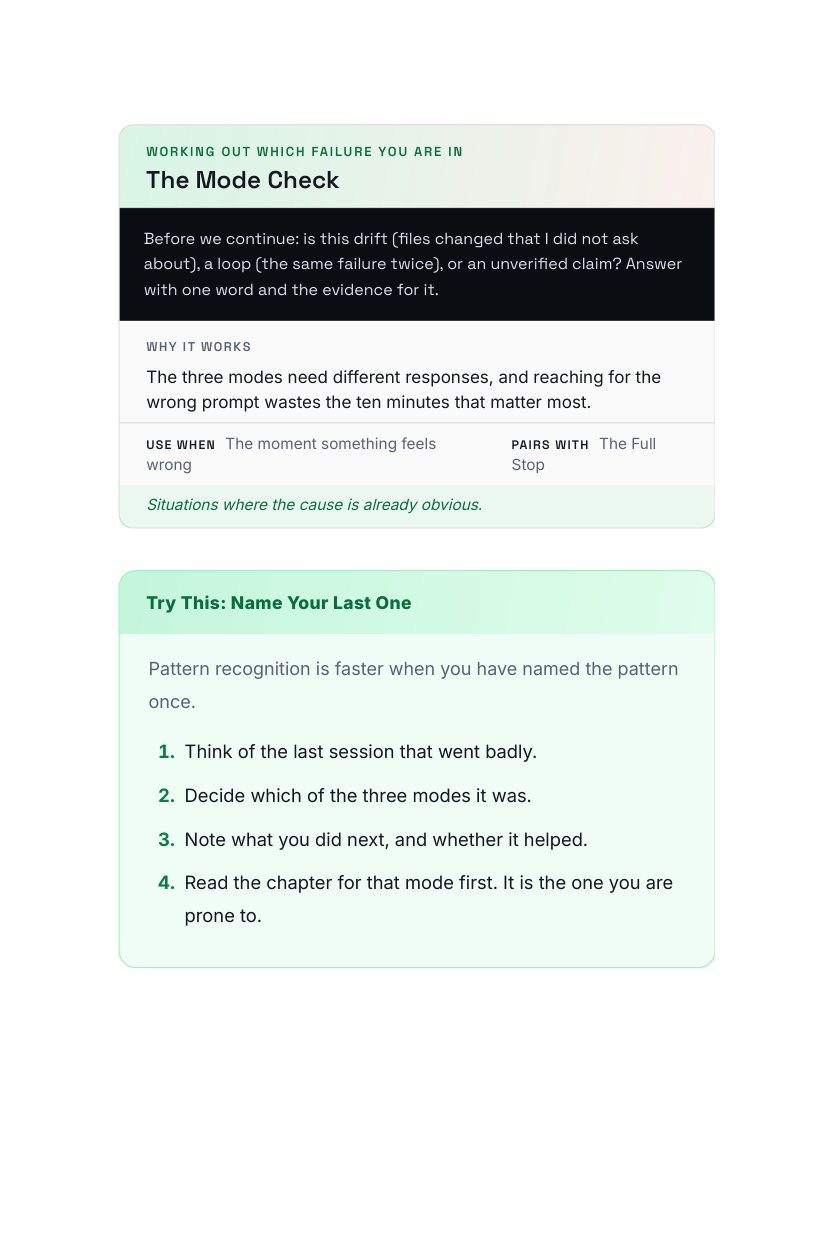
Ten prompts for when it has already gone wrong. Each one names the situation it is for and where it sits in the order.
A session that is drifting
Stop editing. List every file you have changed this session and the one-line reason for each. Change nothing until I reply.
An answer that smells invented
For each API, flag or file you just referenced: quote the exact line in this repo or the docs that proves it exists. If you cannot, say so.
The same failing fix, again
You have tried this approach twice and it failed both times. Do not try it again. List three different hypotheses for the root cause first.
10 in total inside the guide
Every prompt is dated, tested on a real repository, and carries a plain note on when not to use it.
What's inside
Bad sessions get worse because the instinct is to keep going. Every prompt here starts by stopping and finding out what is true.
The first prompt in every situation halts edits and inventories what has already changed, before anything else is attempted.
Prompts that force citations to real lines in your repository, so a confident invention gets caught before it reaches a commit.
Recovery moves that separate the changes worth keeping from the ones to revert, instead of resetting an hour of progress.
This is for you if
This is not for you if
$8.90 · one-time · instant access
What you get
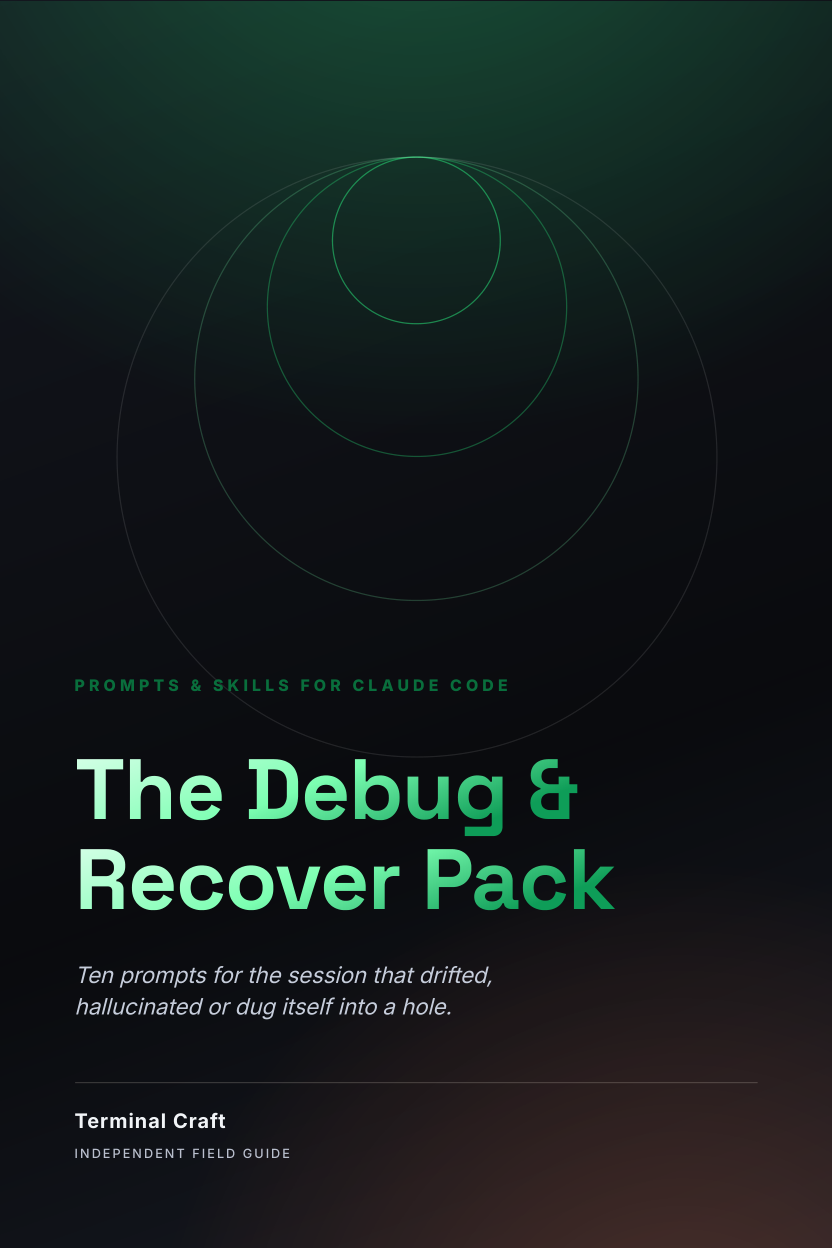
Ten prompts for the session that drifted, hallucinated or dug itself into a hole.
Pages shown are from the actual guide. Digital product (PDF) — no physical item and no software licence is included.
The Debug & Recover Pack is the emergency drawer. Ten prompts for a session that has drifted, hallucinated or dug itself into a hole, with a first-ten-minutes plan, the questions that surface what happened, and a recovery move that avoids throwing away the good work with the bad.
Instant digital download. One-time payment of $8.90, billed securely by Digistore24. Educational material only. Results depend on your project, your model and how you apply it. Independent publication, not affiliated with or endorsed by any AI vendor.
It's a digital guide (PDF). Right after purchase you get an email with a secure link to download it instantly. Nothing is shipped.
No. Terminal Craft is an independent publisher with no affiliation to, endorsement from or sponsorship by Anthropic or any other AI vendor. Claude and Claude Code are trademarks of Anthropic PBC. This guide is our own field notes on using those tools well.
No. You need your own tools and your own account. This is written material: prompts, patterns and workflows you paste into whatever you already use.
Every guide is dated on the cover as the 2026 Edition, and each one includes a chapter on what tends to change between versions and how to adapt a prompt when it does. The patterns outlast the version numbers; the specific outputs will not, and we say so plainly rather than pretending otherwise.
You need to be comfortable running a coding agent on your own project. The prompts are written in plain English and explained, but they assume you already have a codebase you're working on.
You're protected by a 60-day money-back guarantee. If it doesn't help, email us within 60 days for a full refund. No questions asked.
Get the ten recovery prompts and the first-ten-minutes plan now, so the next drift meets a procedure instead of improvisation.
Yes, I want to rescue a session fast — Only $8.90Your payment will be processed securely by Digistore24.