Conventions you repeat daily
House Style
Match the surrounding code: same naming, same comment density, same error handling. Never introduce a new pattern without saying so first.
$ open the-daily-driver-skills.md
Twelve skills you install into your project once. The prompts you keep pasting become something the agent already knows, and the standards you keep repeating become the default.
Price: $12.90 · one-time payment · instant access
Sound familiar?
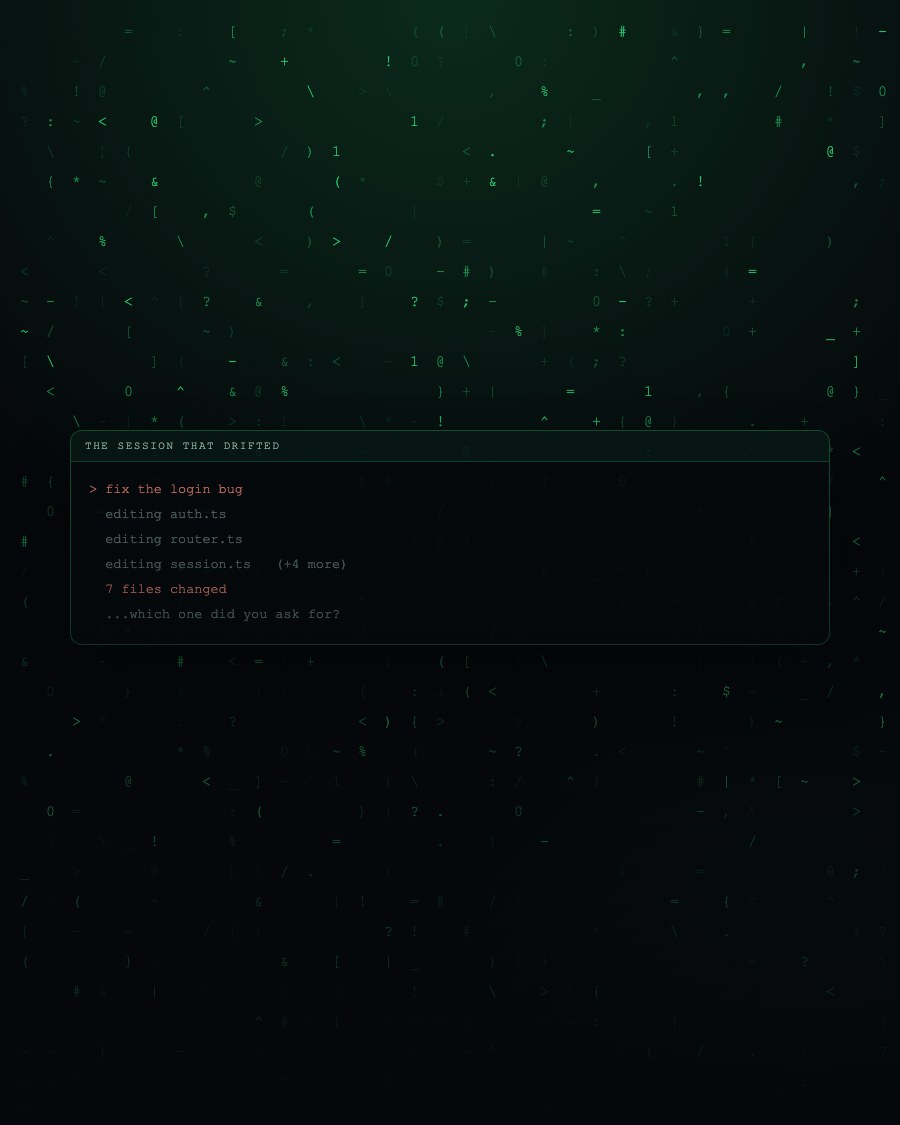
Everyone builds a private list of things they always say. Match the existing style. Don't refactor what I didn't ask about. Show me the plan first. And everyone eventually forgets one on a tired evening, which is precisely the session that produces the surprising diff.
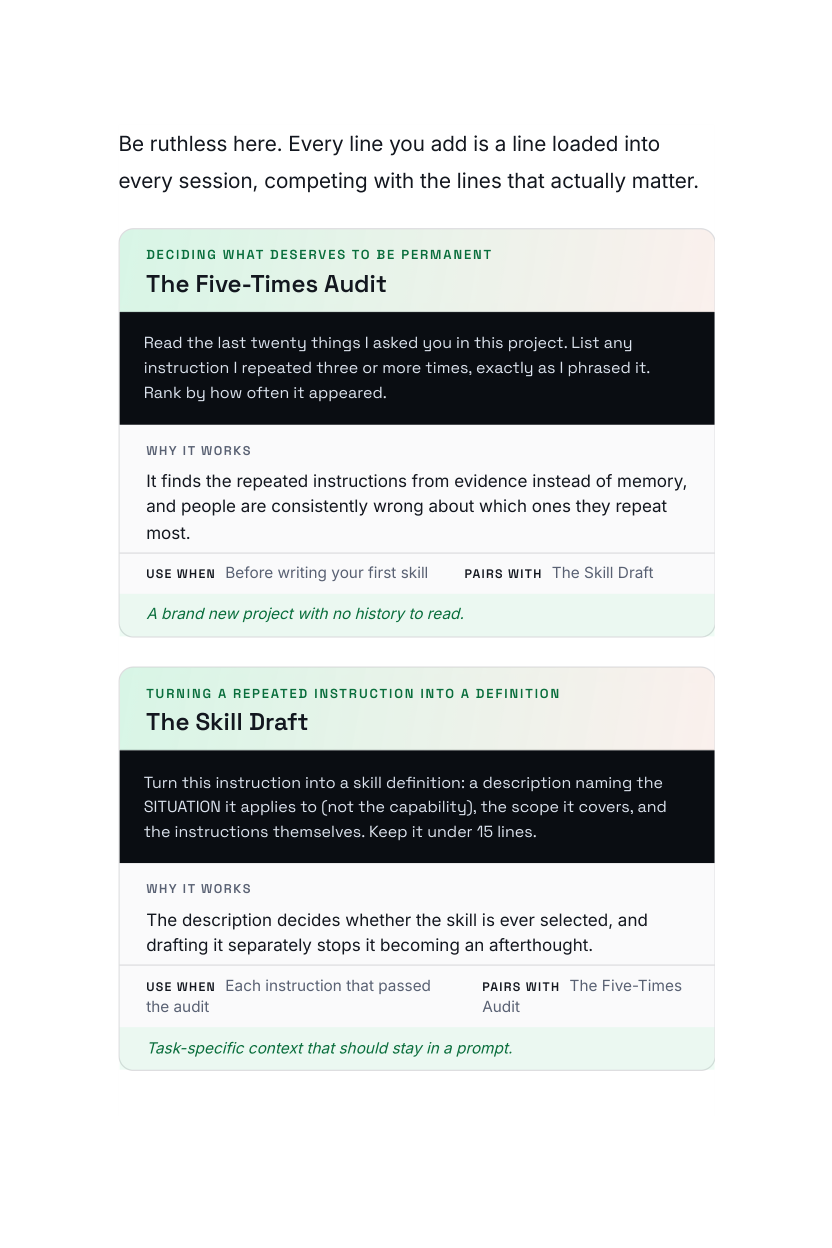
Anything you have typed more than five times is not a prompt any more. It is a project standard that happens to live in your head, and it belongs in a file where it applies whether you remembered it or not.
Sample pages
Each skill arrives as a complete definition: what it does, when it triggers, where the file goes, and how to check it is firing.
Conventions you repeat daily
Match the surrounding code: same naming, same comment density, same error handling. Never introduce a new pattern without saying so first.
Before anything is written
For changes touching more than three files: produce a plan with file list and risks, and wait for approval before editing.
Keeping coverage honest
Whenever you change behaviour, name the test that would have caught the old bug. If it doesn't exist, write it before the fix.
12 in total inside the guide
Every prompt is dated, tested on a real repository, and carries a plain note on when not to use it.
What's inside
A prompt applies to one message. A skill applies to every session, including the ones where you are tired and would have skipped the instruction.
The standard lives in a file instead of in your memory, so it survives the sessions where you forget to mention it.
Everyone working in the project gets the same instructions loaded, which removes an entire category of review comment.
Twelve, not fifty. A bloated set slows every session and makes it impossible to tell which instruction produced which behaviour.
This is for you if
This is not for you if
$12.90 · one-time · instant access
What you get
Twelve skills that turn your most-repeated instructions into permanent project setup.
Pages shown are from the actual guide. Digital product (PDF) — no physical item and no software licence is included.
The Daily Driver Skills turns your most-repeated instructions into permanent project setup. Twelve ready definitions cover the reviews, the conventions and the checks you keep asking for by hand, plus where each file goes and how to tell when one is misfiring.
Instant digital download. One-time payment of $12.90, billed securely by Digistore24. Educational material only. Results depend on your project, your model and how you apply it. Independent publication, not affiliated with or endorsed by any AI vendor.
It's a digital guide (PDF). Right after purchase you get an email with a secure link to download it instantly. Nothing is shipped.
No. Terminal Craft is an independent publisher with no affiliation to, endorsement from or sponsorship by Anthropic or any other AI vendor. Claude and Claude Code are trademarks of Anthropic PBC. This guide is our own field notes on using those tools well.
No. You need your own tools and your own account. This is written material: prompts, patterns and workflows you paste into whatever you already use.
Every guide is dated on the cover as the 2026 Edition, and each one includes a chapter on what tends to change between versions and how to adapt a prompt when it does. The patterns outlast the version numbers; the specific outputs will not, and we say so plainly rather than pretending otherwise.
You need to be comfortable running a coding agent on your own project. The prompts are written in plain English and explained, but they assume you already have a codebase you're working on.
You're protected by a 60-day money-back guarantee. If it doesn't help, email us within 60 days for a full refund. No questions asked.
Get the twelve skill definitions, the installation layout and the checks that tell you they are firing. Set your project up once.
Yes, I want skills that carry my standards — Only $12.90Your payment will be processed securely by Digistore24.